Sprunki Phase 7
Horror visuals and loud sounds.
Drag sound icons onto seven stage figures and build a horror-themed mix. Start right here — no download and no account needed.
Explore the series
More Sprunki Games
Try another Sprunki stage, or browse all games available on this site.
 Playable here
Sprunki Phase 4
Play Sprunki Phase 4 in your browser. Explore its character-based music mixing, read the starting instructions, and find answers to common player questions.
Players: Single playerMode: Solo music mixing Playable here
Sprunki Phase 5
Play Sprunki Phase 5 in your browser. Explore its character-based music mixing, read the starting instructions, and find answers to common player questions.
Players: Single playerMode: Solo music mixing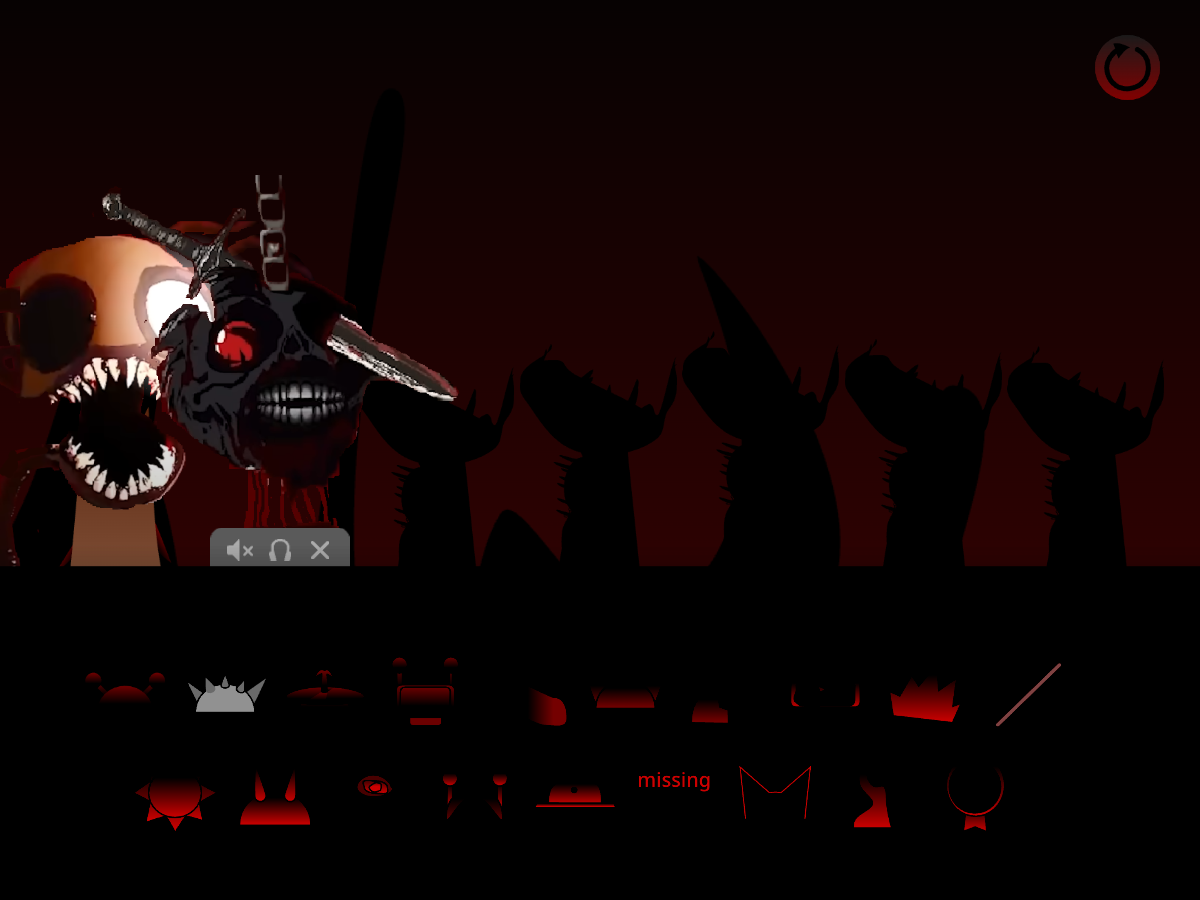 Playable here
Sprunki Phase 6
Play Sprunki Phase 6 in your browser. Explore its character stage, drag sound icons onto figures, and read the controls and common questions.
Players: Single playerMode: Solo music mixing
What Is Sprunki Phase 7?
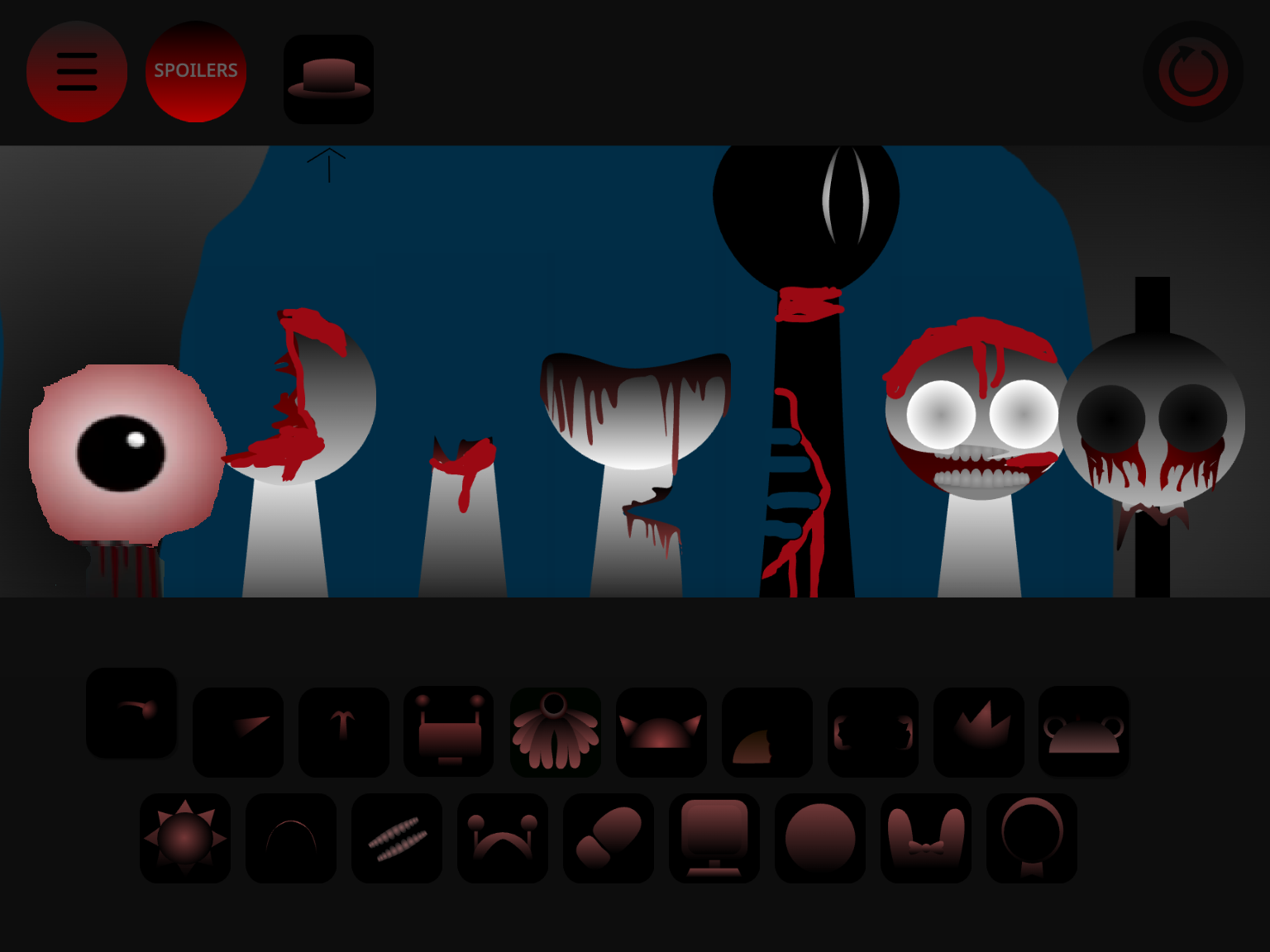
Sprunki Phase 7 is a horror-themed music mixer built around character sound layers. Drag an icon onto a stage figure to change its appearance and add its part to your arrangement. The play area has seven positions and a two-row sound tray.
Sprunki Phase 7 uses distorted faces, dark colors, and disturbing character artwork. Your task is to choose, combine, and replace sound layers. There is no score target displayed on the main mixing screen: the arrangement itself is the focus.
How to Play Sprunki Phase 7
Start Sprunki Phase 7 with the Play button above. Let its assets load, then follow the green-flag prompt and content notice inside the player to reach the mixing stage.
To make your first Sprunki Phase 7 arrangement, hold a sound icon from the lower tray, drag it onto a figure’s body, and release. Try the body area if a placement near the head does not take.
Add another icon to a different position in Sprunki Phase 7, then try a third. Character artwork changes as parts become active, and used icons dim in the tray. Use that feedback to follow your lineup before replacing individual parts.
Sprunki Phase 7 Controls
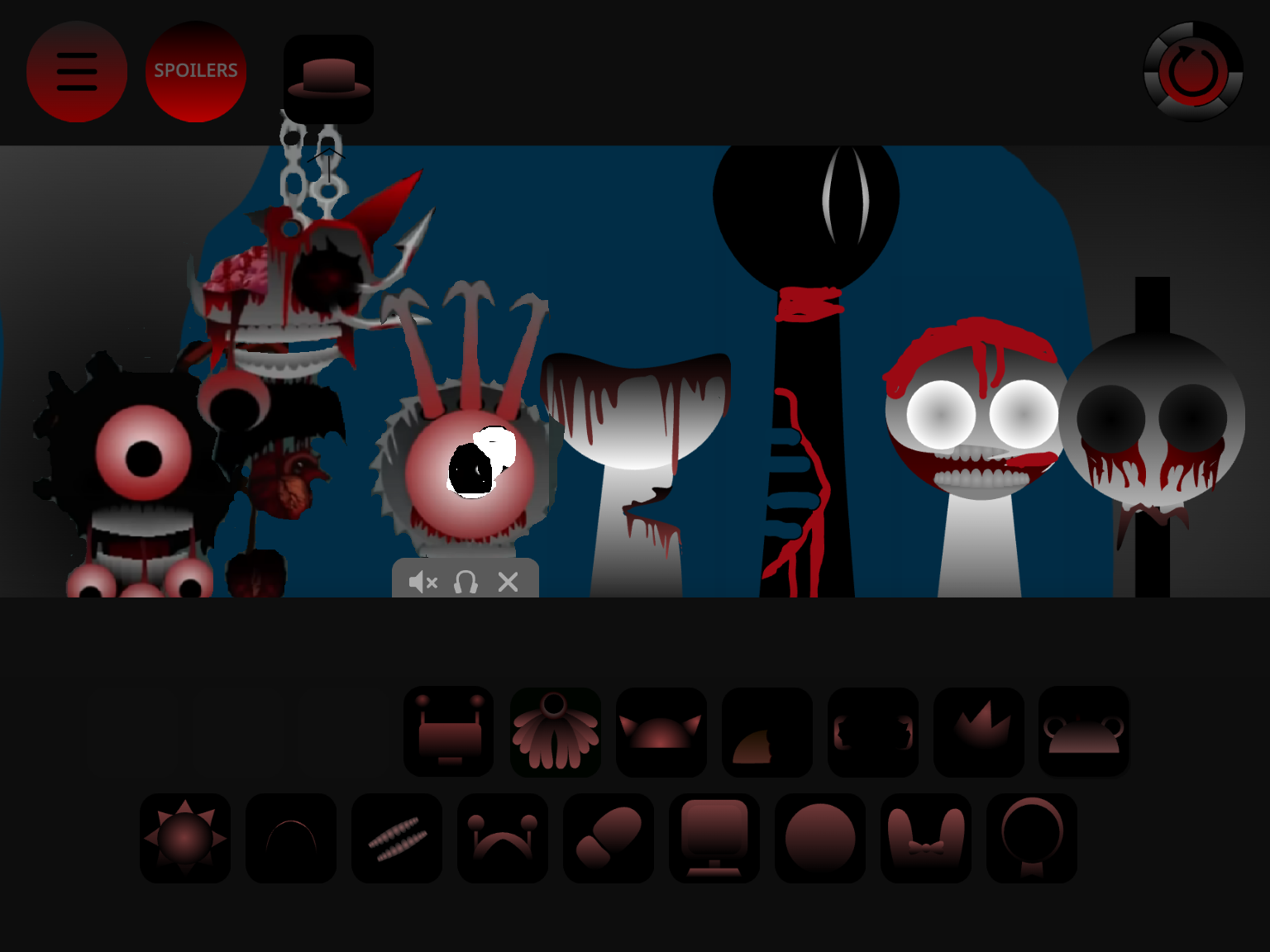
Sprunki Phase 7 uses mouse dragging for its main interaction. Left-click and hold an available icon, move it to a stage position, then release. The active character and the tray provide visual confirmation that the sound has been assigned.
Move the pointer over an active performer in Sprunki Phase 7 to reveal its small control strip. Speaker, headphone, and cross symbols identify the sound-management controls. Removing an assigned part returns that position to the underlying figure so that you can try another icon.
The Sprunki Phase 7 toolbar includes settings and a circular reset control. Settings exposes dark-mode and accent-color options, separate from the website’s display settings. No keyboard shortcuts are needed for basic mixing.
Sprunki Phase 7 Features
Sprunki Phase 7 combines a seven-position stage with twenty selectable sound icons. Placement changes both the arrangement and the performer’s appearance, making it possible to follow your decisions visually.
Horror artwork defines Sprunki Phase 7. Empty figures and activated characters have different appearances against a dark interface. Read the game’s content notice before continuing if disturbing imagery is uncomfortable for you.
Sprunki Phase 7 puts sound controls close to the performers. Inspect a part, remove it, and try another while keeping the remaining lineup in view.
Tips for Sprunki Phase 7
Begin Sprunki Phase 7 with one part, then add a second and a third. This is an easy way to learn which icon changes which performer and how much each addition alters your arrangement. Filling every position immediately makes those individual changes harder to follow.
When experimenting in Sprunki Phase 7, change one position at a time. Use a repeatable lineup, remove one part, and choose a replacement. Comparing a small change is more informative than replacing the whole stage and trying to remember everything that changed.
Keep the pointer over the stage when placing an icon in Sprunki Phase 7. If it returns to the tray, try again over the figure’s body and release there. Once placement works, look for the changed character and the dimmed tray icon instead of repeatedly clicking the same choice.
For your first Sprunki Phase 7 session, keep device volume comfortable and inspect the controls before adding every sound. The standard tray is available without discovering a secret combination or installing an extra app.
FAQ
Sprunki Phase 7 Questions
Can I play Sprunki Phase 7 without downloading a game?
The browser build needs no separate installer. Its artwork and sounds load over your internet connection; you do not need a desktop application or phone APK to open the web player.
Is Sprunki Phase 7 free to start?
The browser version starts without payment or a game account. Use the sound tray in the player; a separate installer or subscription is not required to begin mixing.
Can I play Sprunki Phase 7 on my phone?
Desktop mouse controls are the supported instructions on this page. A phone may load the browser player, but reliable touchscreen dragging has not yet been confirmed for this build. Use a computer if your phone cannot place icons accurately; a smaller display alone does not change how the game accepts input.
Does Sprunki Phase 7 save my arrangement?
Do not rely on the current lineup being restored after you close or refresh the page. Persistent saving and exporting have not been confirmed for this build. If you want to remember a combination, note the icons you used before leaving the session.
Can I play Sprunki Phase 7 in fullscreen?
Use the Fullscreen control when it is available beside the player. Availability depends on the browser and embedding settings. On a device that does not allow fullscreen, keep the game in its normal page view.
Why is Sprunki Phase 7 silent or not loading?
First click inside the player and check your device volume. Allow the initial artwork and audio to finish loading before trying to place sounds. If the player remains blank, retry once on a stable connection. Refreshing may clear the current arrangement, so use it after deciding you are ready to start again.
Is Sprunki Phase 7 the same as Definitive or Remastered?
Those suffixes identify different builds and should not be treated as interchangeable names for this player. Instructions, artwork, and sound choices can differ. This page focuses on the unsuffixed Phase 7 build; compare the exact edition name before following instructions written for another version.